ShenZhen Toupwell Technology Co.,Ltd


 | LisaKong |
 | 18925229935 |
 | 0086-755-85218623 |
 | sales@toupwell.com |
 | 2/F.Building A.No.78 of AnLiang Road.YuanShan Street.LongGang District.ShenZhen.GuangDong.China |
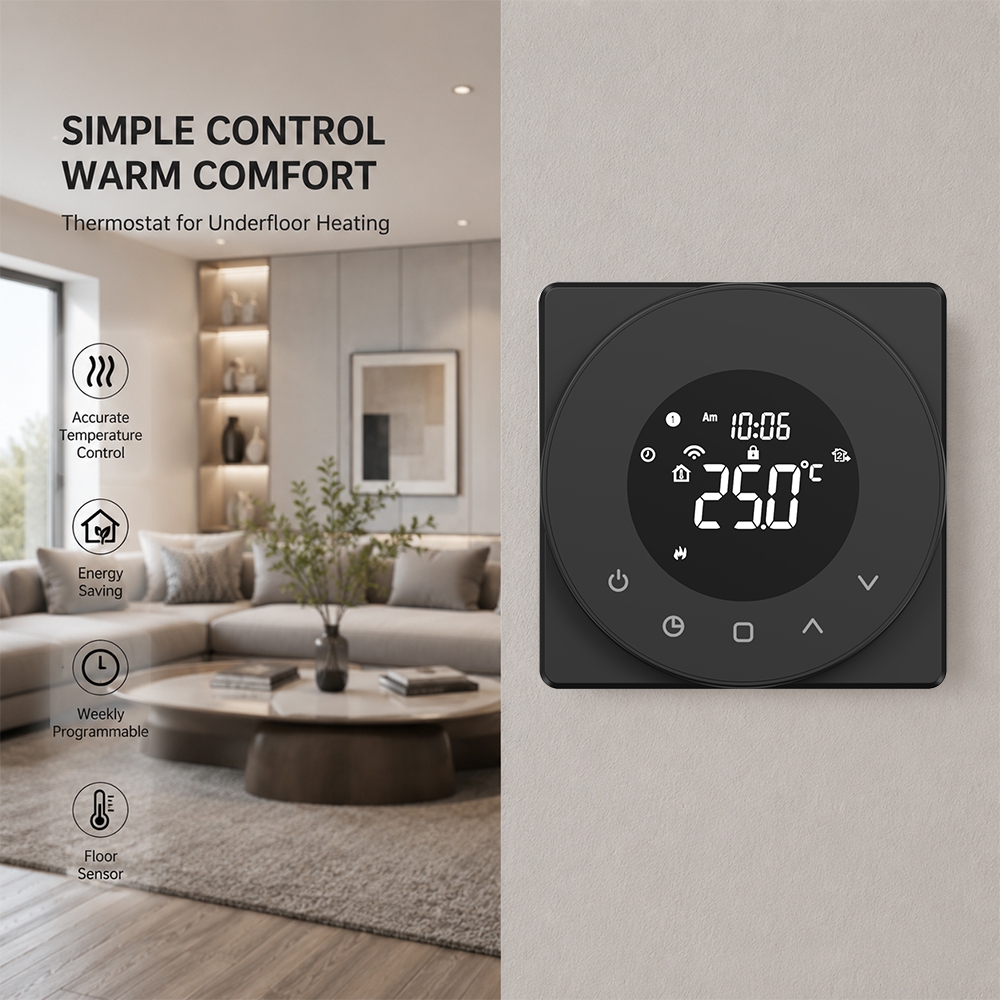
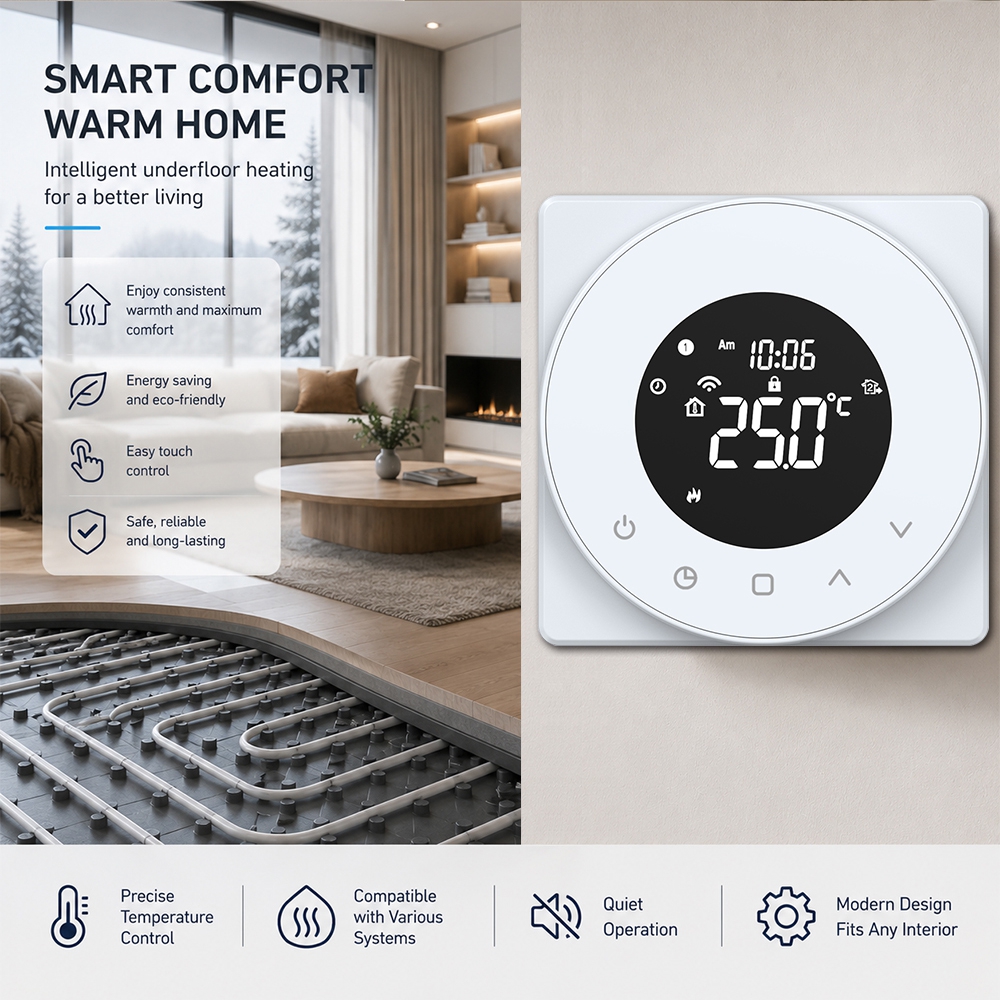
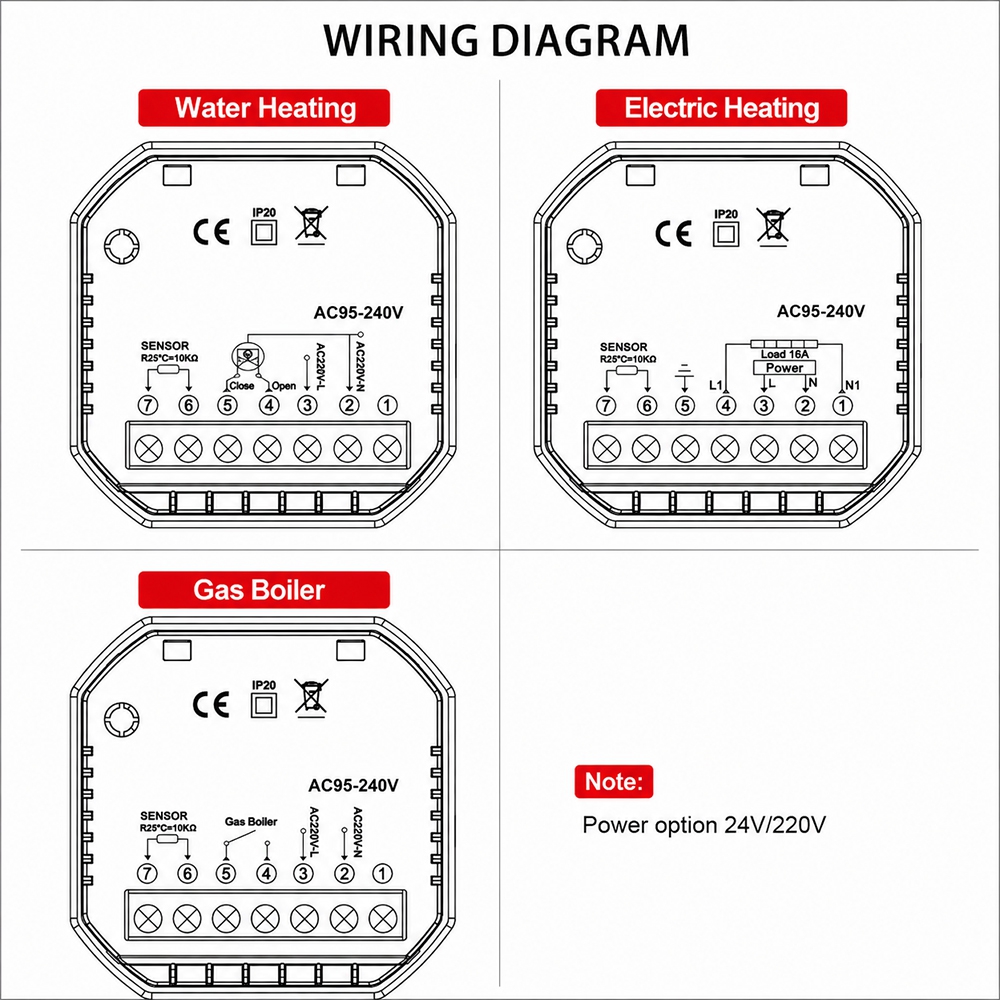
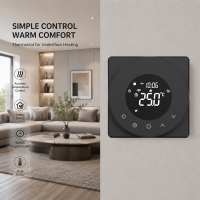
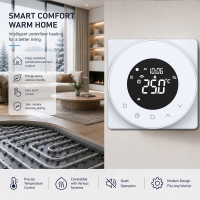
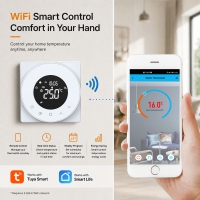
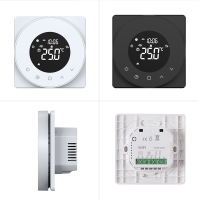
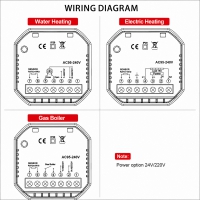
Application: Water Underfloor Heating System/Hydronic Underfloor Heating System
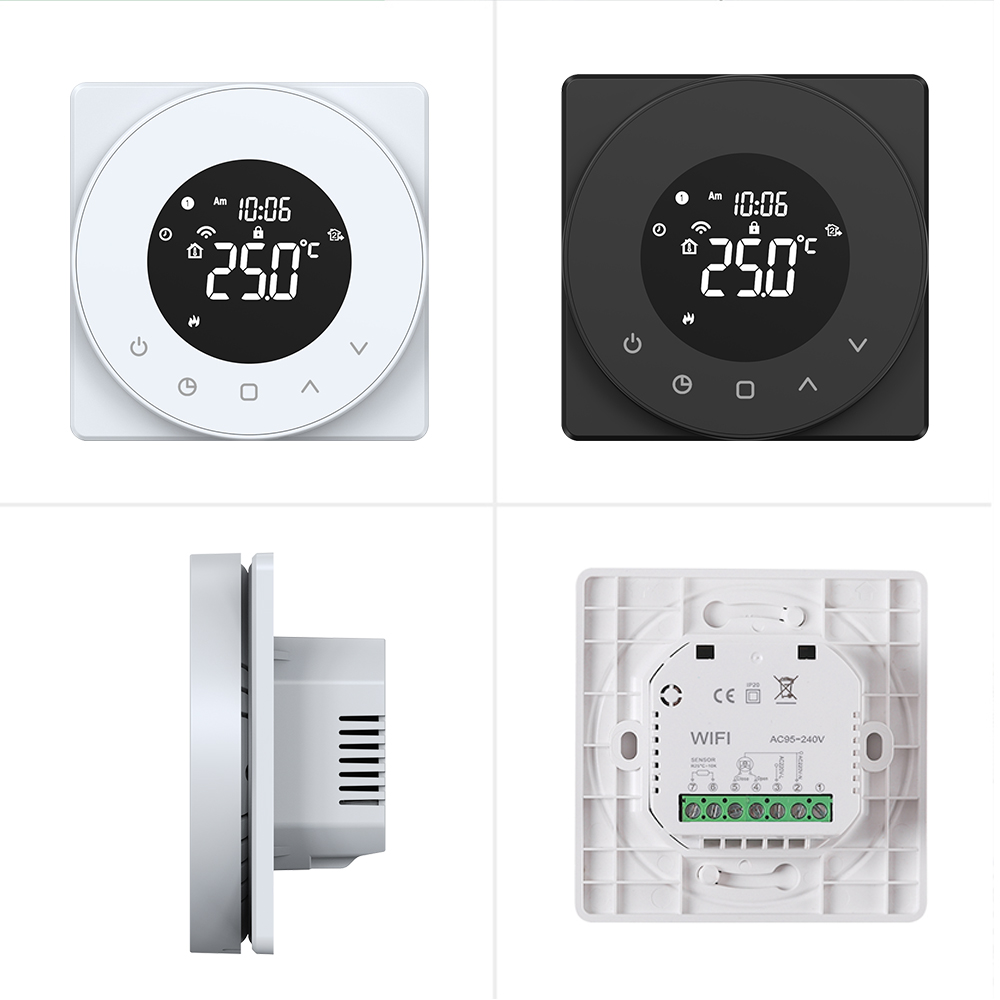
Model: WIFI version model
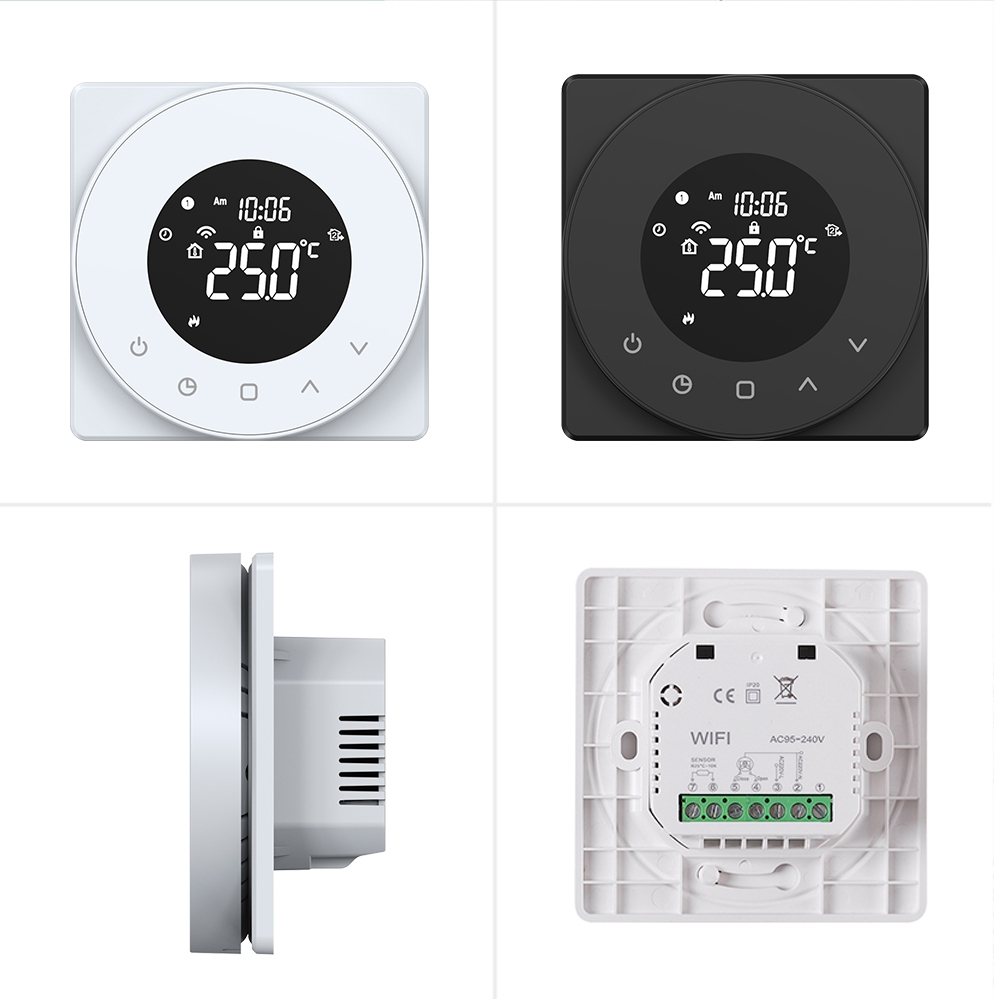
TP909WHPW-B(Black) / TP909WHPW-W(White)
TP909WHPW-B-24V(Black)/ TP909WHPW-W-24V(White)
*UL 94V0 PC anti fire housing to make sure saftely
*Round VA LCD screen—better for eye protection.
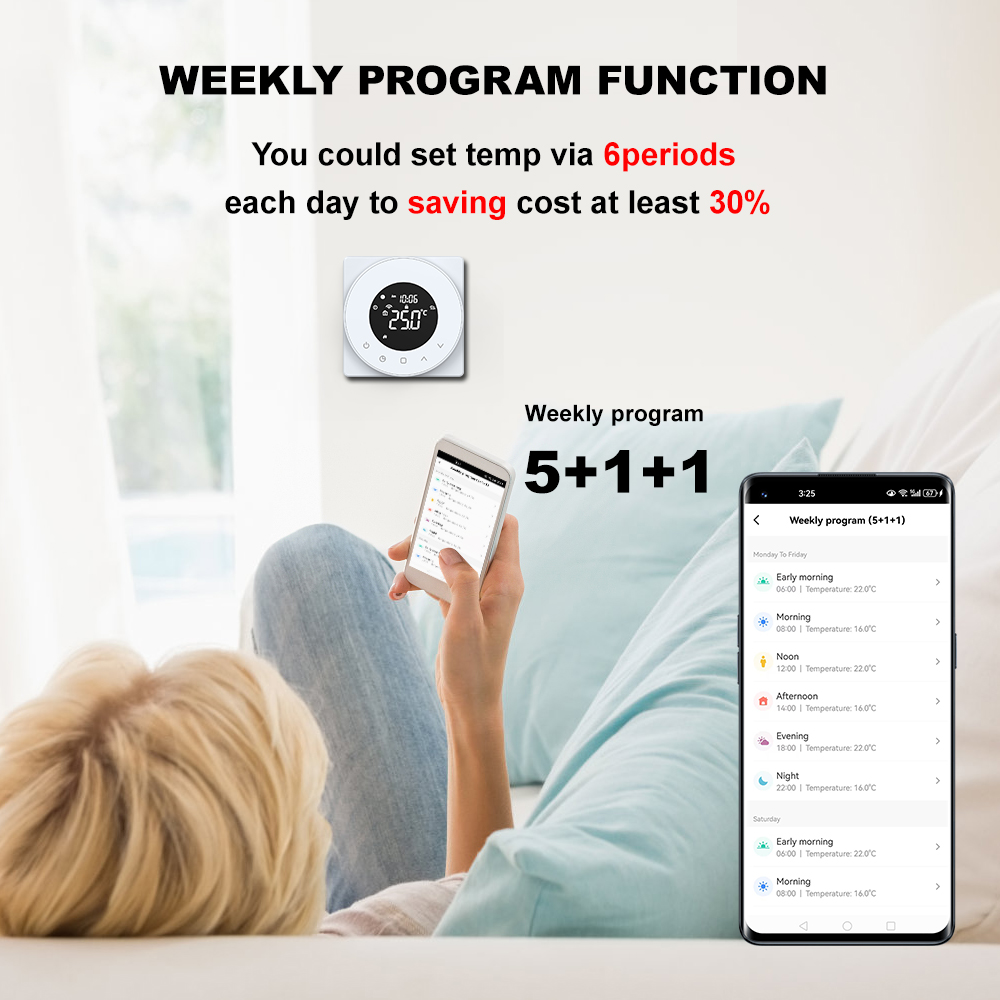
*Weekly program each day 6periods energy saving for you
*China TOP1 relay to make sure thermostat 100,000 lifetime
*Data memory even power off
*Control accurancy 0.5°C,Measure Temperature accurancy:0.1°C
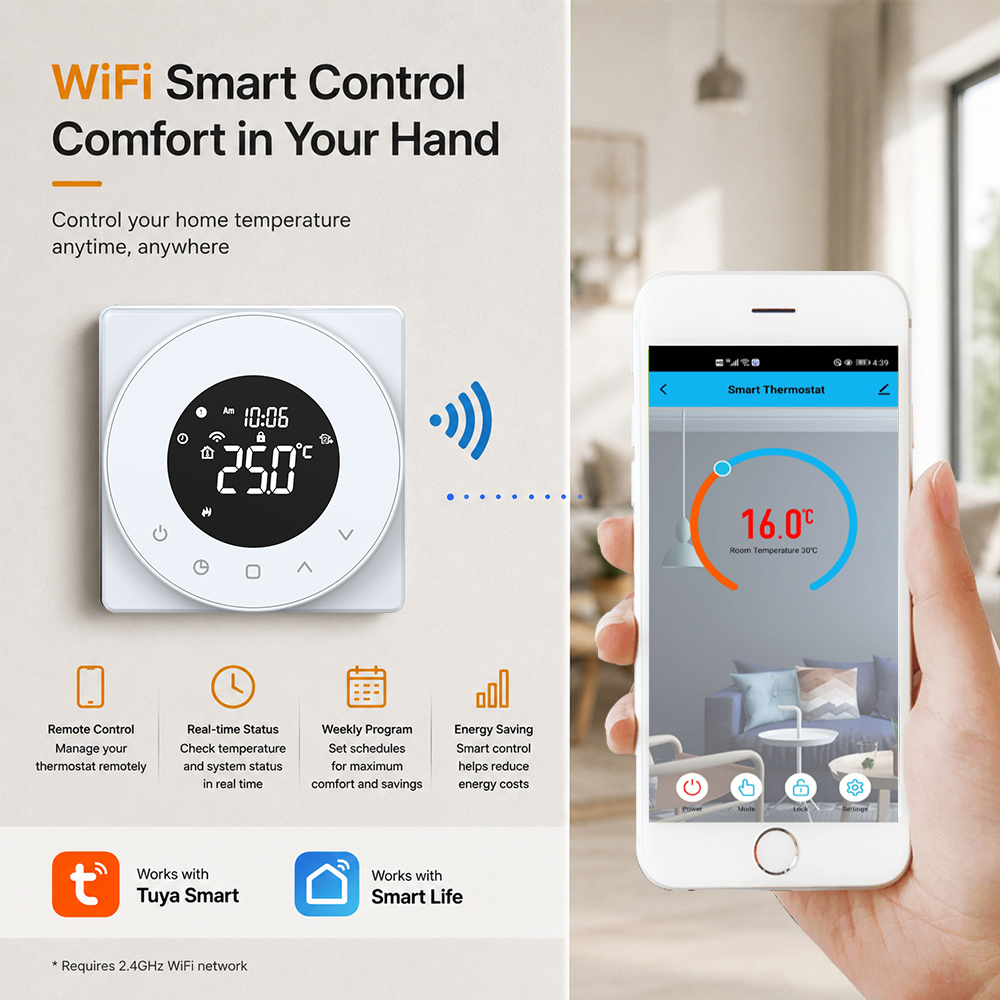
*WIFI/ZIGBEE/MODBUS flexiable communication way for you select
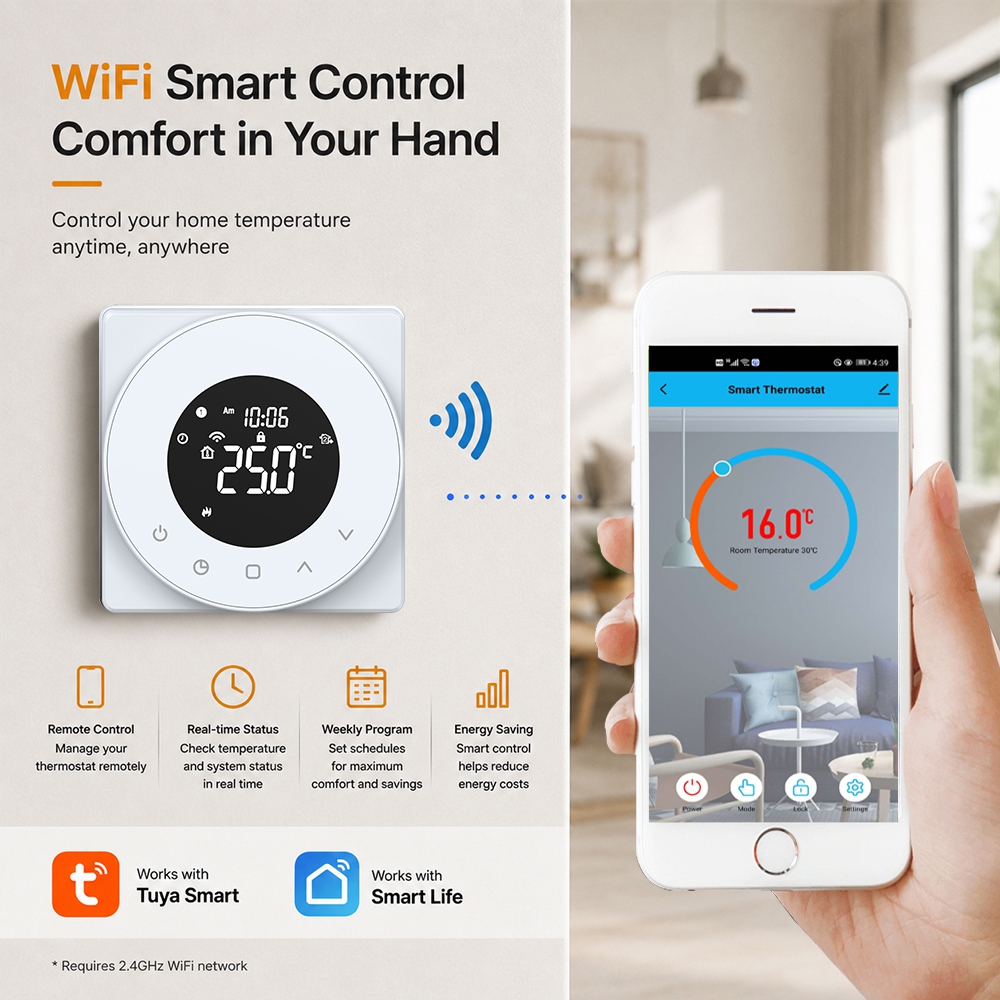
*Tuya/Smart life app to control your thermostat anywhere
*White/Black/ODM color
*CE/ROHS/UKCA approved
This is an energy saving room thermostat.While keeping your home comfortable with customizable weekly programs, With Tuya WiFi App remote control anywhere and any place, It can widely use in smart home.Building ,hotel.
Technical Data
| Features | Parameters |
| Application | Water Heating System |
| Power | AC95- 240V/24V option, 50/ 60Hz |
| Controlled Load | 5A |
| Mode | Programmable/Manaul Mode optional |
| Temperature Accuracy | +/-0.5℃ |
| Temperature Range | 5~60℃ |
| Programmable function | 5+1+1 Weekly Program |
| Button Lock Function | YES |
| Antifreeze Function | YES |
| Memory Function | YES |
| Temperature Sensor | Two Sensors(UHP model)/One senor(WHP model,GCmodel) |
| External Floor Sensor Length | 2.5meters |
| Sensor | NTC 10k 3977 |
| Installation Hole distance | 86box/60mmEurope standard round box |
| Dimension | 86x86x40mm |
Features
◆Round Type Display More modern
It is a design similar like nest thermostat display.Round display LCD looks more modern
◆Display drarkness Change as you wish
It design easy to change the display and standby light range 0-100%
◆Child lock
This thermostat provide child lock press up and down button to select.
◆Weekly Programmable Function
This thermostat provide 7days programmable funciton,You can set your target temperature and time as you need.
◆Data Memory
This thermostat provide data memory when power off.All of the parameters still remain the same before power off
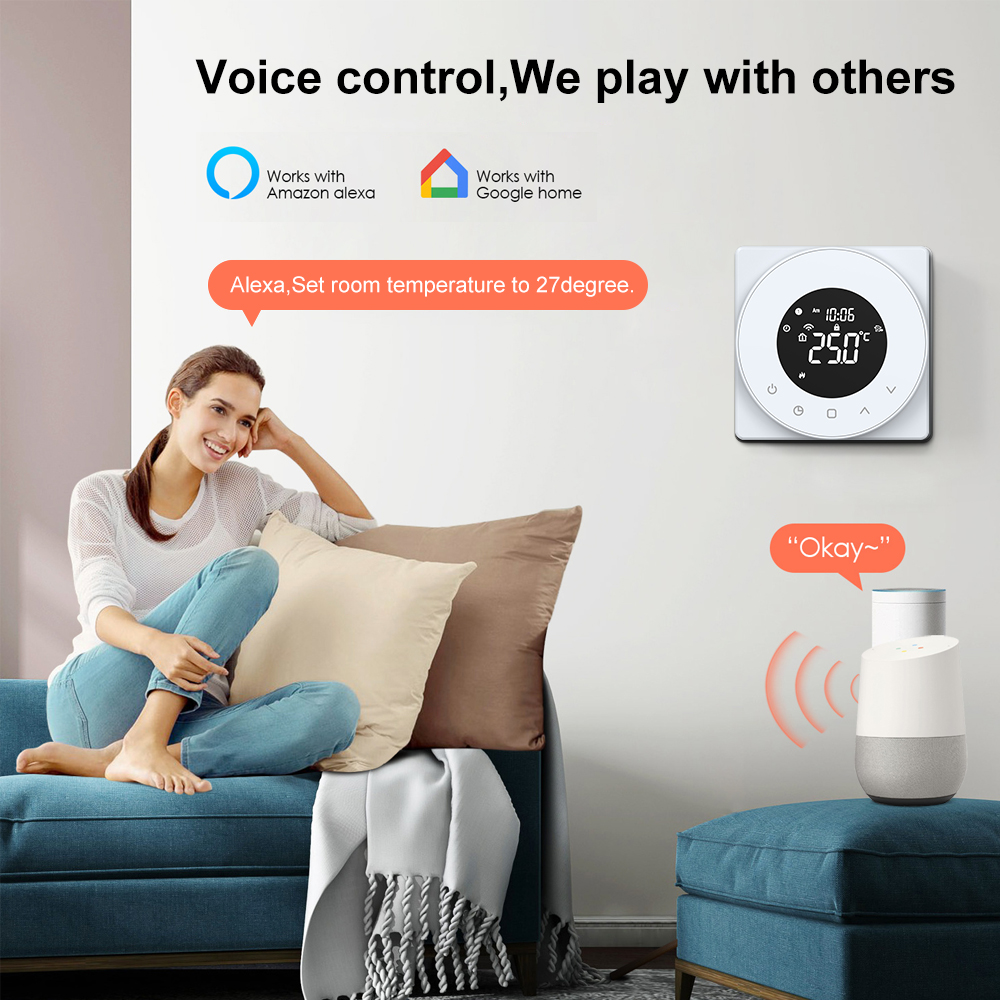
◆WIFI app control with Voice Control
You can use Tuya app control this thermostat and It is also could connect with google assistant and Amazon Alexa
Application
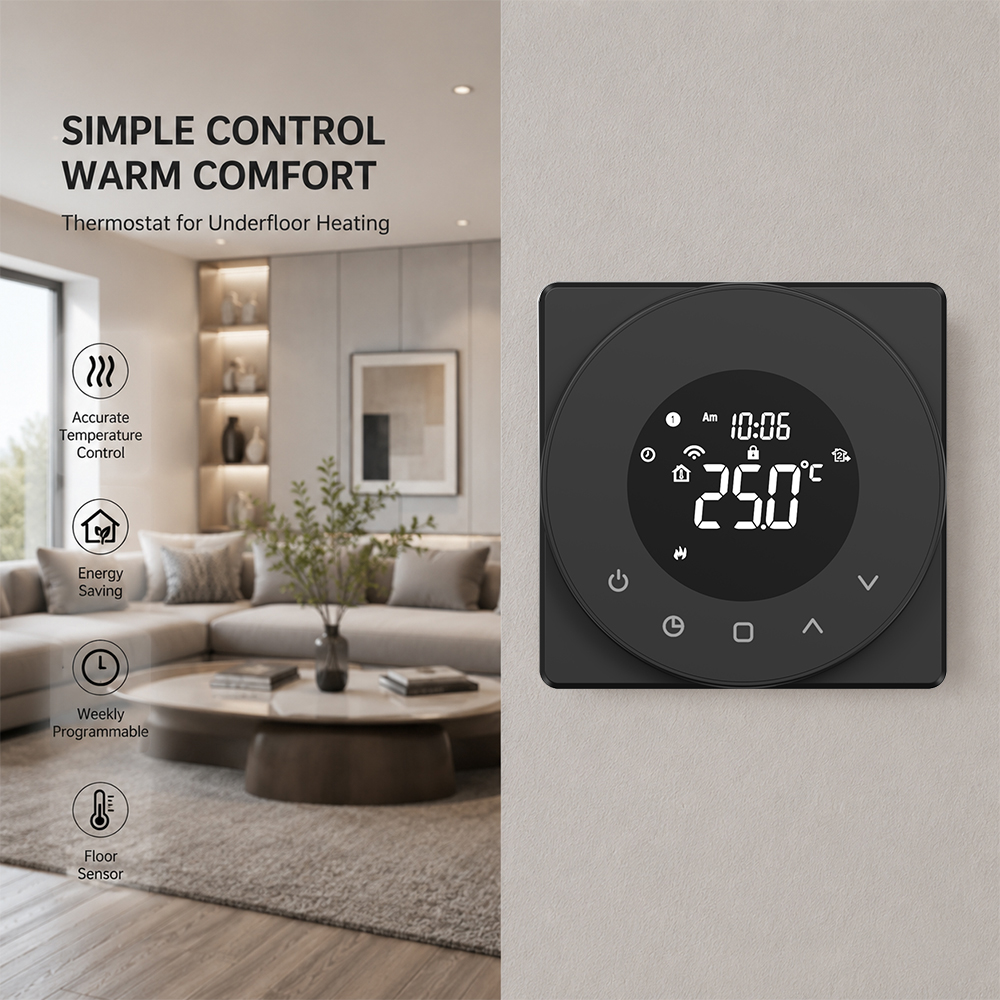
◆Hotel underfloor heating system ◆Villa hydronic heating control ◆Building heating control system ◆Apartment heating control system
◆Smart home heating control
FAQ
1. Can I use both the internal and external sensor at the same time?
Yes — many thermostats offer a dual-sensor "ALL" mode where both the internal air sensor and external floor sensor work together. The thermostat reads the floor temperature for safety limits while using the air temperature for comfort control. This is the default recommended mode for electric heating.
2. How do I calibrate my thermostat if the displayed temperature is wrong?
Enter the configuration menu (usually by long-pressing a button for 7 seconds while powered off), locate the calibration setting (Function No. 1), and adjust from -9°C to +9°C. For example, if the thermostat displays 22°C but the actual room is 21°C, set calibration to -1°C.
3. What is "dead zone" or "switching differential"?
The dead zone (also called hysteresis or differential) is the temperature gap between when the heating turns off and when it turns back on. For example, with a set point of 22°C and a dead zone of 1°C: heating stops at 22°C and restarts at 21°C. A smaller dead zone gives tighter comfort but more frequent cycling; a larger value reduces cycling at the cost of slight temperature variation.
4. Can I share thermostat control with family members?
Yes, the Smart Life/Tuya app supports device sharing. You can invite family members by their account email or phone number, granting them full or limited control of specific thermostats. You can also create device groups to control multiple thermostats simultaneously.
5. What happens to the schedule if the WiFi goes down?
The thermostat stores all programming locally on its internal memory. If WiFi disconnects, the thermostat continues running your preset schedule without interruption. Once WiFi reconnects, the app syncs automatically.
If you have any special requirements or questions that require prior consultation. Please fill out the following form and we will have the specialist contact you as soon as possible.
If you have questions or suggestions,please leave us a message,we will reply you as soon as we can!
0086-755-85218623
LisaKong
18925229935
www.toupwell.com
2/F.Building A.No.78 of AnLiang Road.YuanShan Street.LongGang District.ShenZhen.GuangDong.China
Please read on, stay posted, subscribe, and we welcome you to tell us what you think.


CopyRight © 2025 ShenZhen Toupwell Technology Co.,Ltd