ShenZhen Toupwell Technology Co.,Ltd


 | LisaKong |
 | 18925229935 |
 | 0086-755-85218623 |
 | sales@toupwell.com |
 | 2/F.Building A.No.78 of AnLiang Road.YuanShan Street.LongGang District.ShenZhen.GuangDong.China |
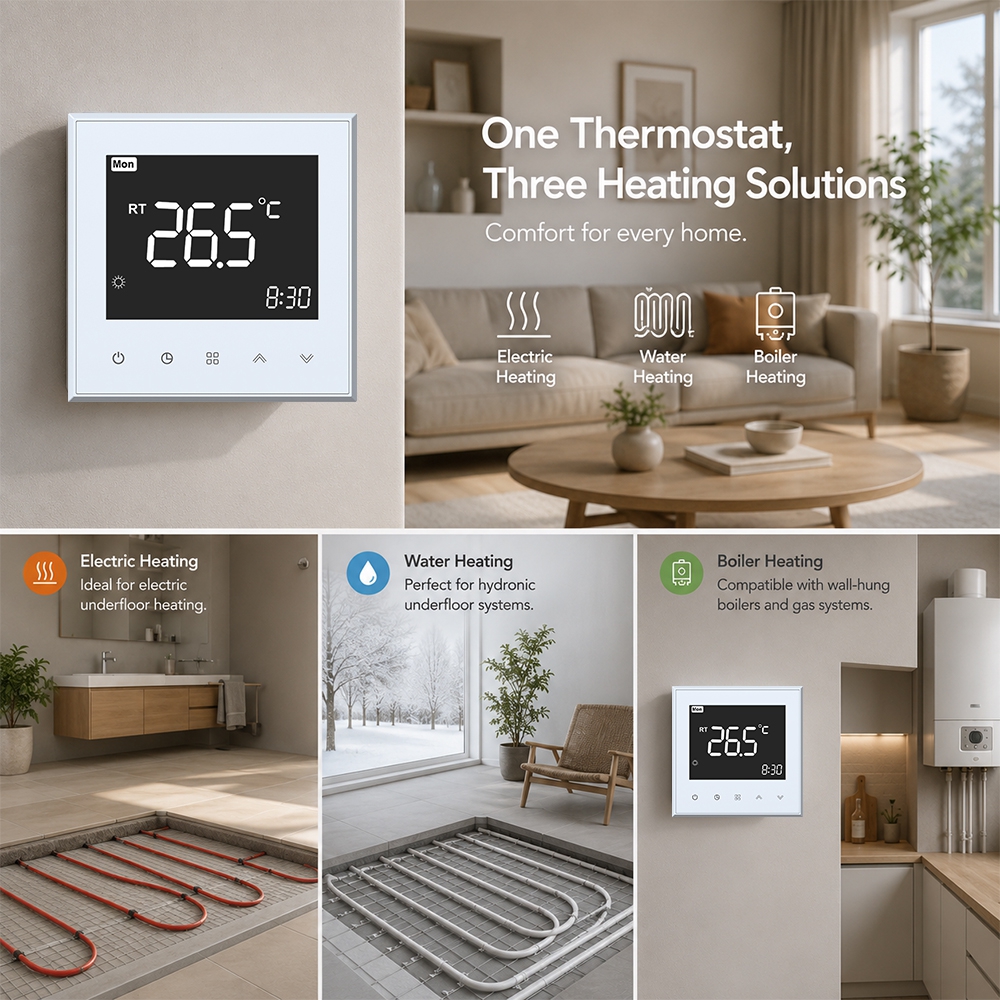
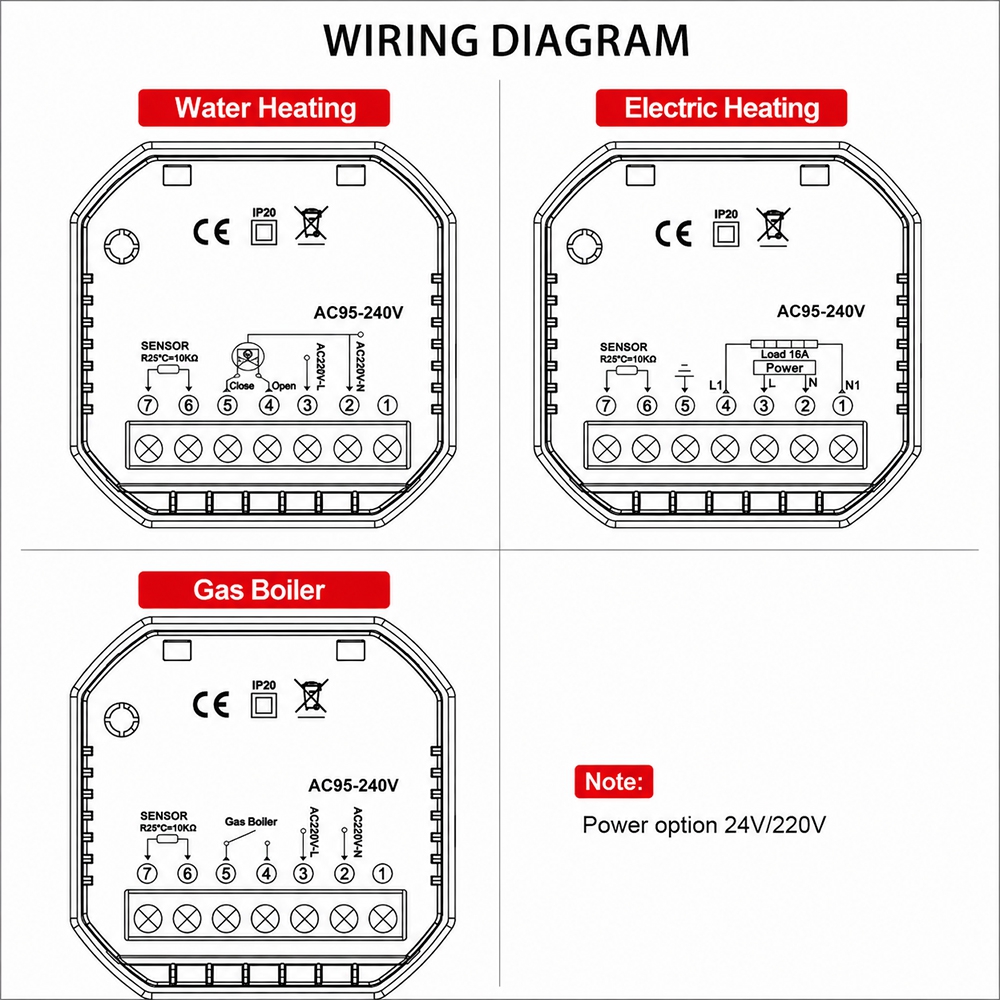
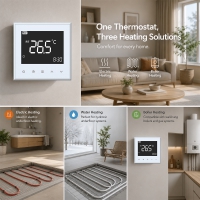
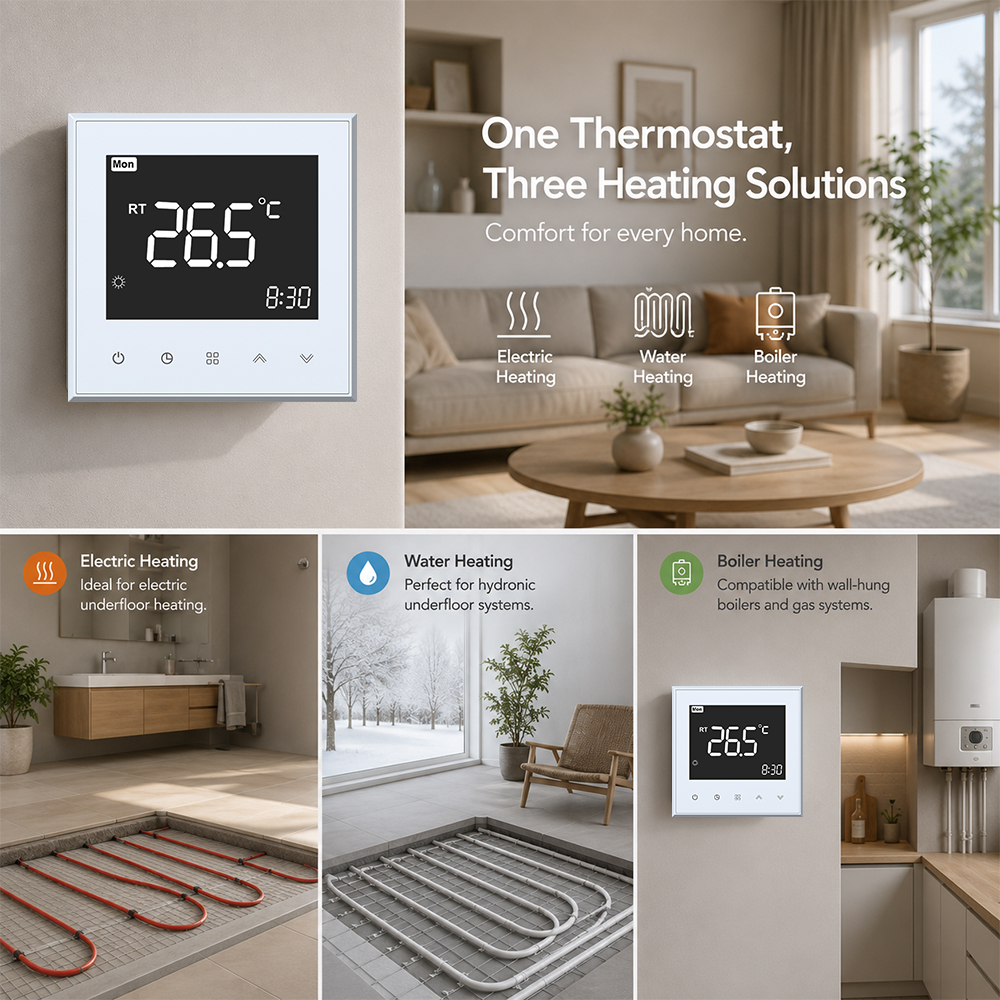
Application: Water Underfloor Heating System/Hydronic Underfloor Heating System
Model: WIFI version model
TP505WHPW-B(Black) / TP505WHPW-W(White)
TP505WHPW-B-24V(Black)/ TP505WHPW-W-24V(White)
*UL 94V0 PC anti fire housing to make sure saftely
*Large VA ink LCD is comfort to see even during dark night
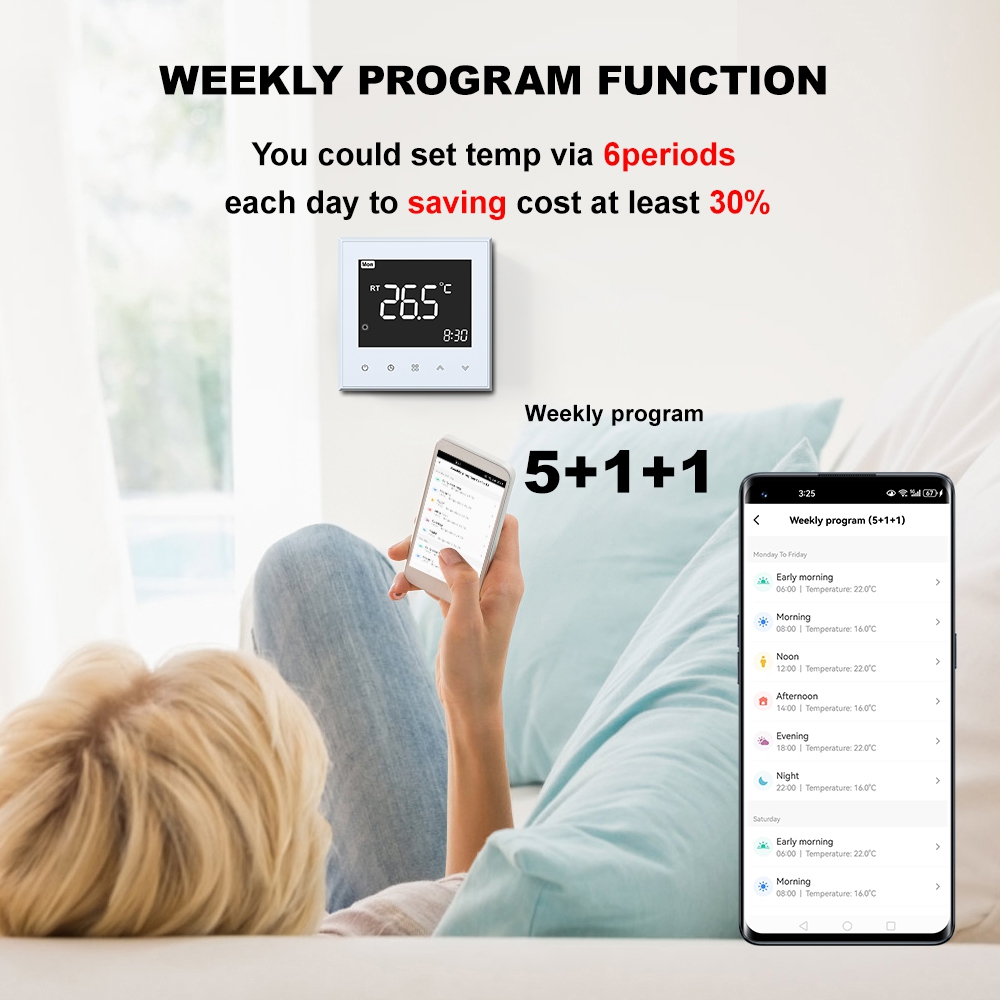
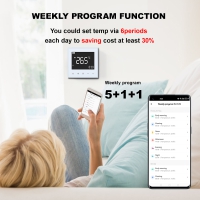
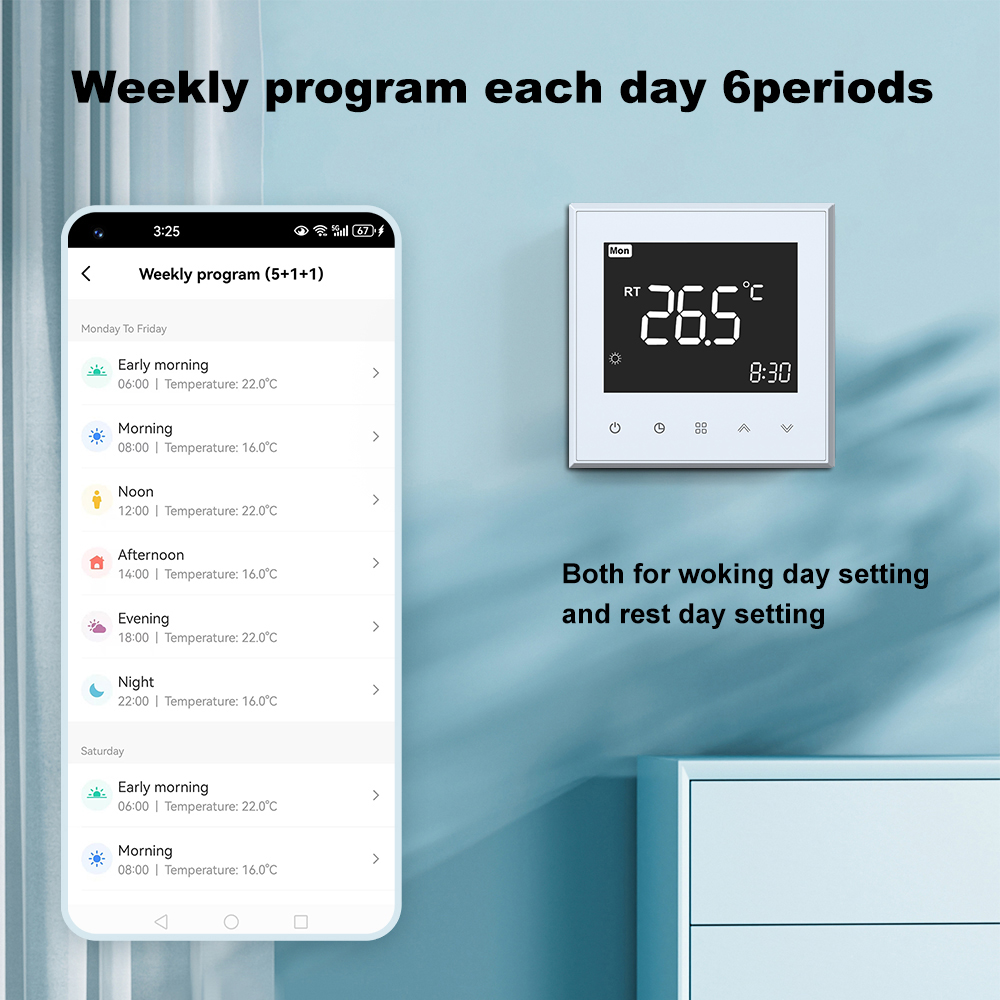
*Weekly program each day 6periods energy saving for you
*China TOP1 relay to make sure thermostat 100,000 lifetime
*Data memory even power off
*Control accurancy 0.5°C,Measure Temperature accurancy:0.1°C
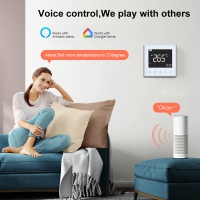
*WIFI/ZIGBEE/MODBUS flexiable communication way for you select
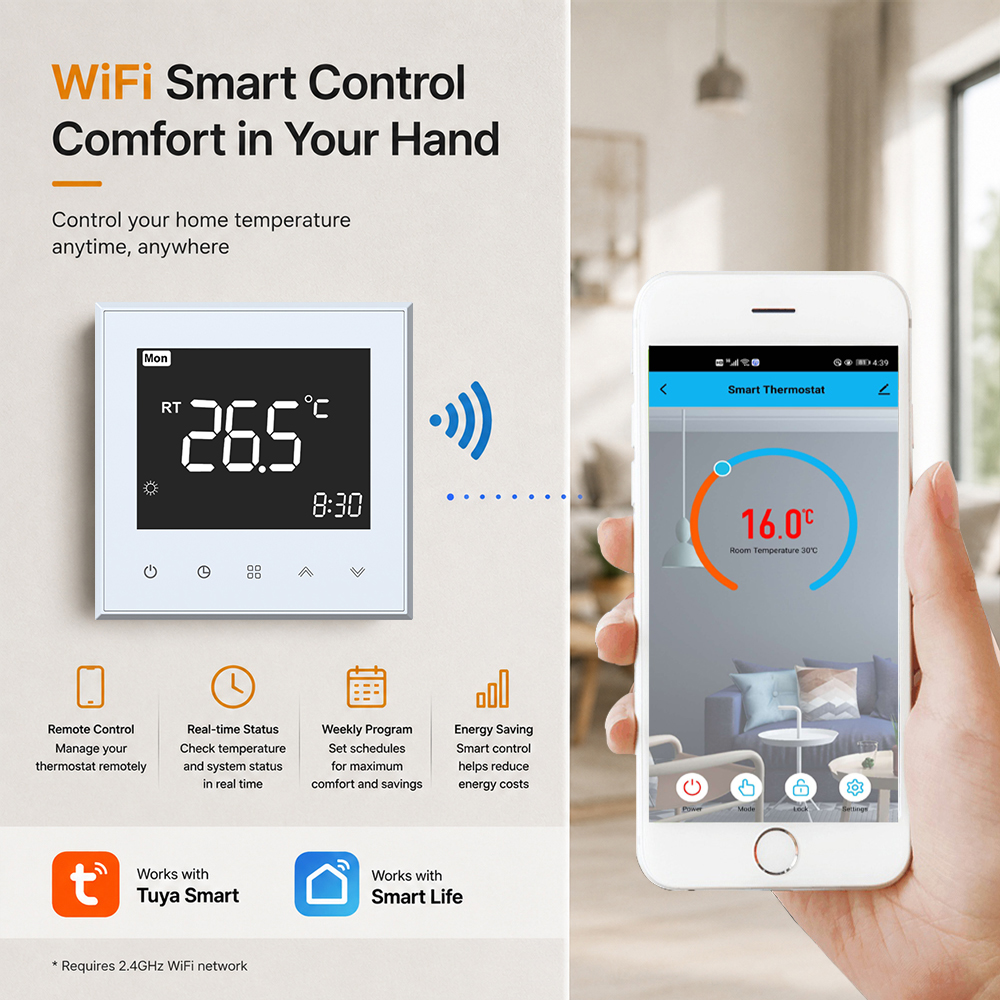
*Tuya/Smart life app to control your thermostat anywhere
*White/Black/ODM color
*CE/ROHS/UKCA/FCC/REACH approved
This room thermostat is designed for smart homes hydronic heating system use, It is featuring with a large LCD, intuitive touch buttons, WiFi remote control, and flexible weekly schedules.It widely use with smart homes.Villa.School etc
Technical Data
| Features | Parameters |
| Application | Water Heating System |
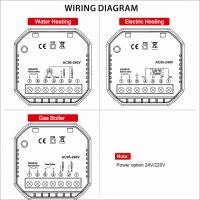
| Power | AC95- 240V/24V option, 50/ 60Hz |
| Controlled Load | 5A |
| Mode | Programmable/Manaul Mode optional |
| Temperature Accuracy | +/-0.5℃ |
| Temperature Range | 5~60℃ |
| Programmable function | 5+1+1 Weekly Program |
| Button Lock Function | YES |
| Antifreeze Function | YES |
| Memory Function | YES |
| Temperature Sensor | Two Sensors(UHP model)/One senor(WHP model,GCmodel) |
| External Floor Sensor Length | 2.5meters |
| Sensor | NTC 10k 3977 |
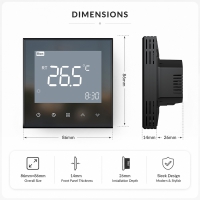
| Installation Hole distance | 86box/60mmEurope standard round box |
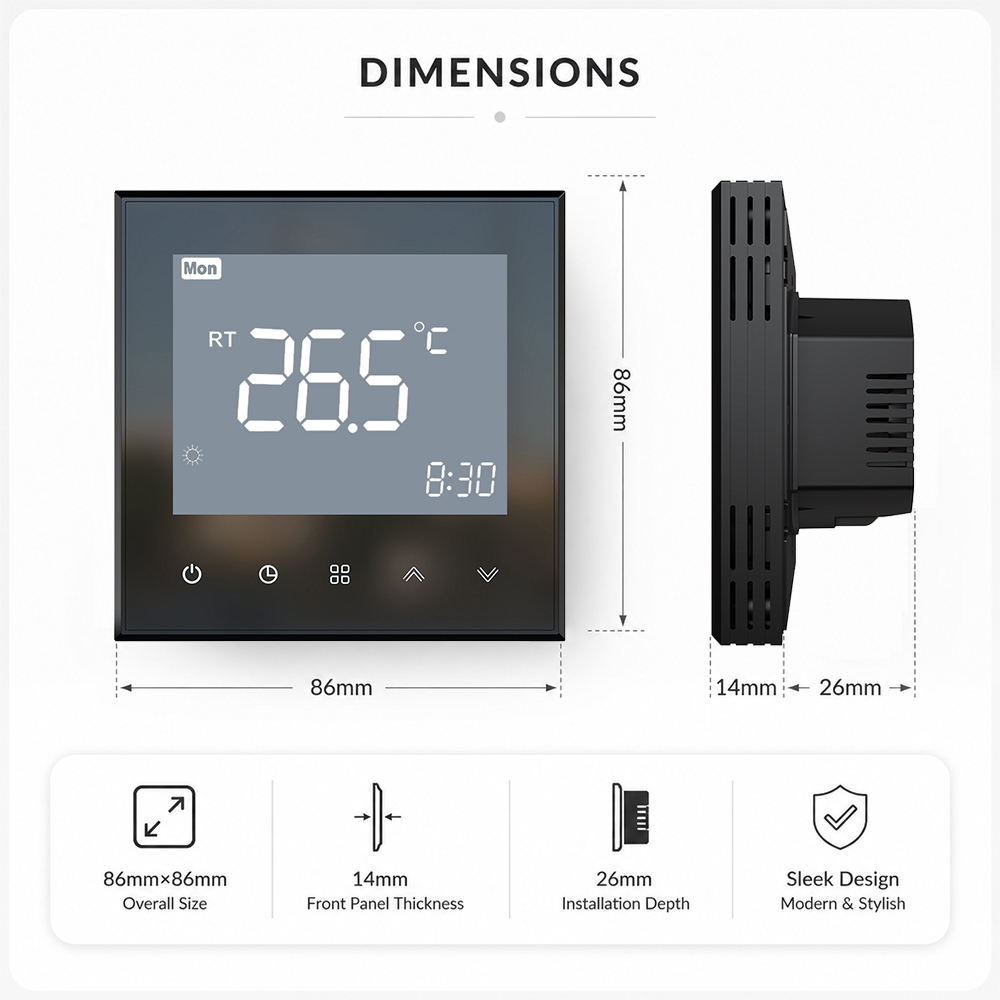
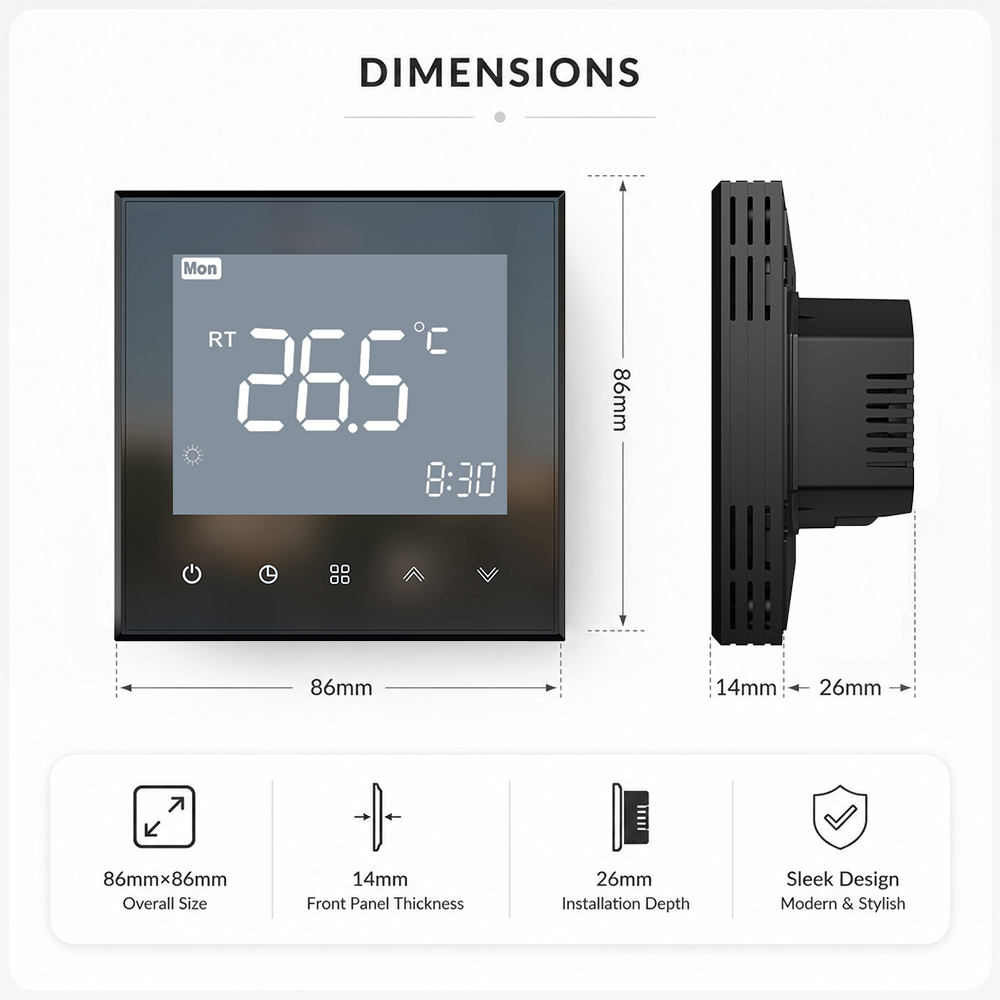
| Dimension | 86x86x40mm |
Features
◆Tuya WIFI App Control
You can download Tuya/Smart life APP control your thermostat anywhere
◆Programmable Timer Function
This thermostat provide 7days programmable funciton,6perios yeach day you can setting the target time and temperature.Help you enjoy comfort and energy saving.
◆Child Lock Function
You can press up and down button to lock/unock your thermostat
◆Open Window
This function designed to energy saving.When detect room temperature drop rabidly.This function will active to prevent energy wast.
Application
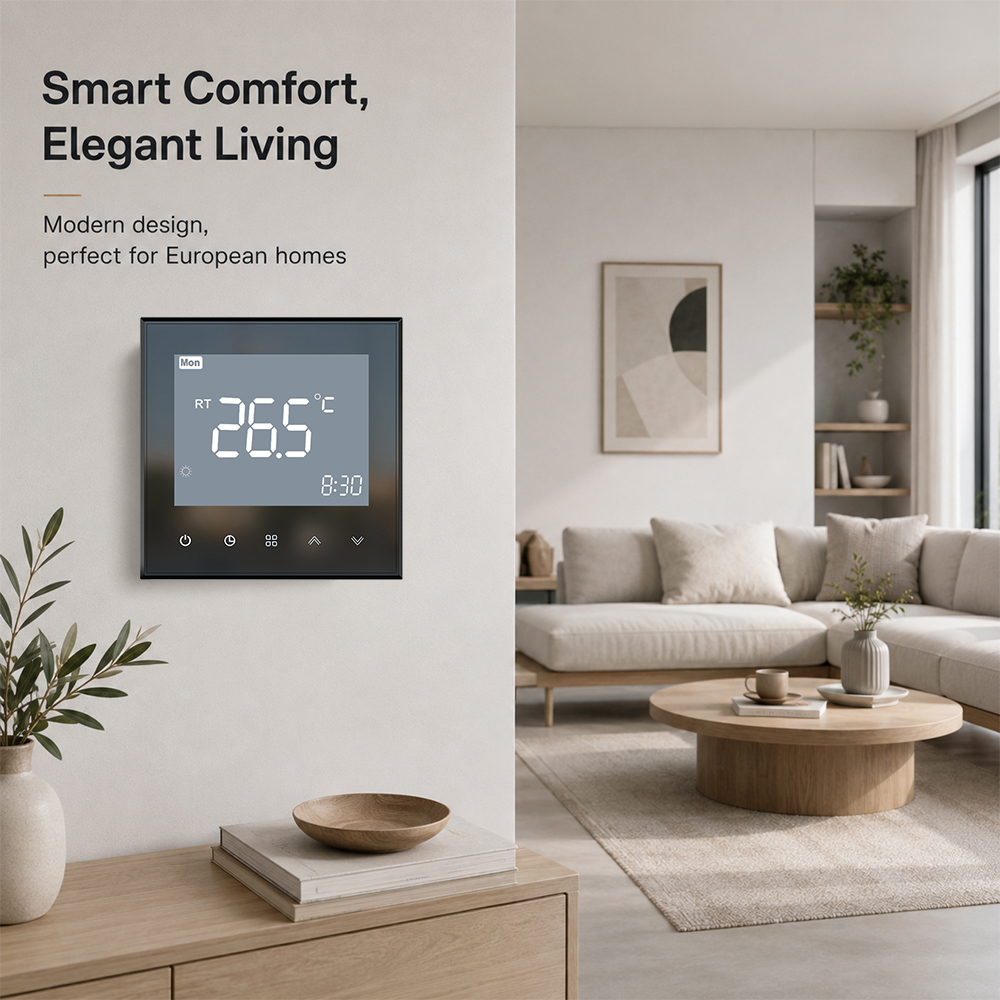
◆Hotel underfloor heating system ◆Villa hydronic heating control ◆Building heating control system ◆Apartment heating control system ◆Smart home heating control
FAQ
1.Can you ODM functions for us?
Yes.MOQ500PCS
2.Can you OEM for us?
Yes.We can.MOQ500PCS
3. What WiFi frequency does the thermostat support?
Most smart thermostats support 2.4 GHz WiFi only. If your router broadcasts a combined 2.4 GHz / 5 GHz network (common on modern routers), you may need to temporarily disable the 5 GHz band or create a separate 2.4 GHz SSID during pairing. Once connected, you can re-enable 5 GHz.
4. How do I connect my thermostat to WiFi for the first time?
There are two methods:
(1)Bluetooth Easy Mode (recommended): Turn on phone Bluetooth, open the app, and the thermostat is auto-discovered. Enter your home WiFi password and pairing completes in seconds.
(2)Manual AP Mode: Press the WiFi button so the indicator blinks slowly. In the app, select AP mode, connect your phone to the thermostat's hotspot "Smartlife-XXXX", then return to the app to complete pairing (takes 7–10 seconds).
5. Which app do I use to control my smart thermostat?
The thermostat is compatible with the "Smart Life" and "Tuya Smart" apps, both available free on the Apple App Store (iOS) and Google Play Store (Android). Both apps share the same backend and offer identical functionality — choose either one.
6. Can I control the thermostat when I am away from home?
Yes. Once the thermostat is connected to WiFi and registered in the app, you can control it from anywhere with an internet connection: switch heating on/off, change temperature, switch modes, and adjust schedules — all remotely from your phone.
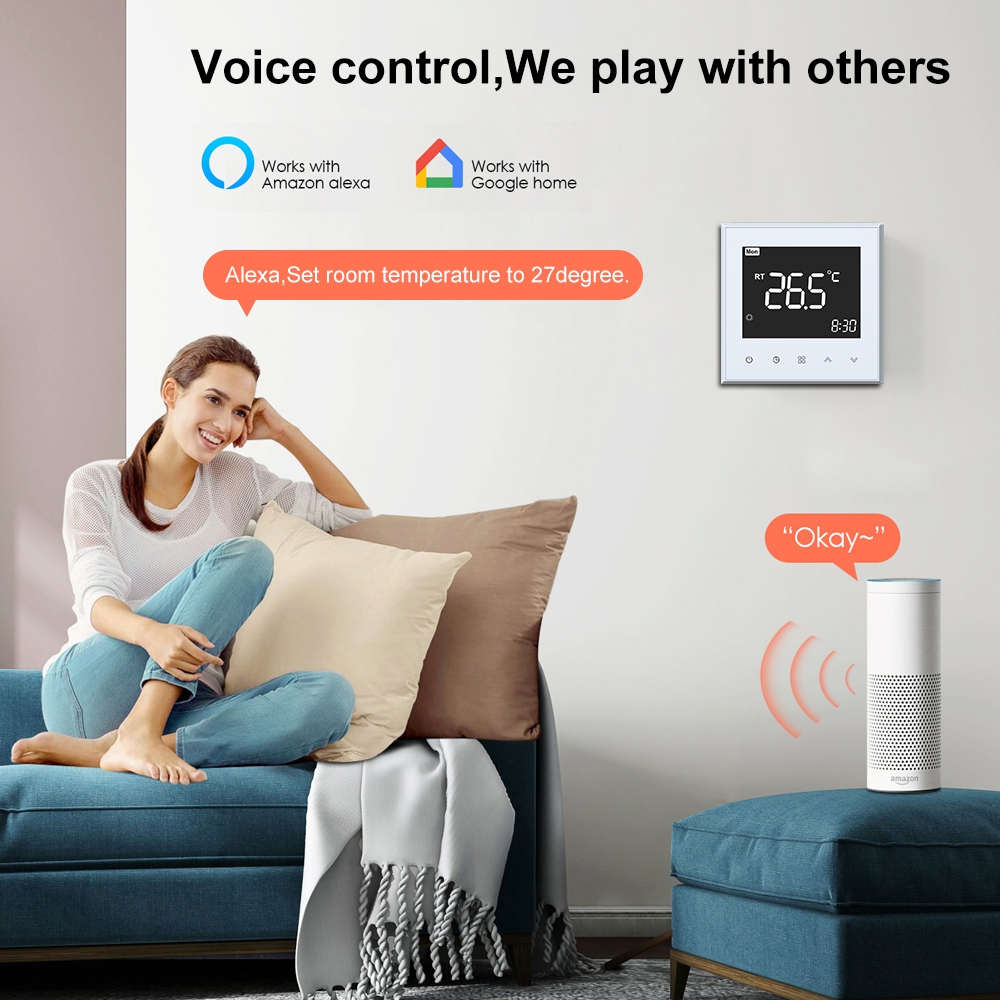
7. Does the thermostat work with Alexa and Google Home?
Yes, thermostats using the Tuya/Smart Life platform integrate with Amazon Alexa, Google Assistant, and Samsung SmartThings. Once linked, you can use voice commands such as "Alexa, set the living room temperature to 22 degrees" or "Hey Google, turn off the bathroom heating."
If you have any special requirements or questions that require prior consultation. Please fill out the following form and we will have the specialist contact you as soon as possible.
If you have questions or suggestions,please leave us a message,we will reply you as soon as we can!
0086-755-85218623
LisaKong
18925229935
www.toupwell.com
2/F.Building A.No.78 of AnLiang Road.YuanShan Street.LongGang District.ShenZhen.GuangDong.China
Please read on, stay posted, subscribe, and we welcome you to tell us what you think.


CopyRight © 2025 ShenZhen Toupwell Technology Co.,Ltd